
Brave Browser
Brave for Android is a free, open-source browser from Brave Software that blocks ads and trackers by default and is built on Chromium.
Android
Open source

153.0.4234.32 · Microsoft Corporation · Page updated
Microsoft Edge for Android is Microsoft's mobile web browser, syncing favourites, passwords and tabs with Edge on your Windows PC.
Average 0.0 · ratings: 0
Thank you! Your rating is saved; you can change it. Could not save the rating. Please try again later. Too many ratings from your network today. Please try again tomorrow. The average appears after 5 ratings.
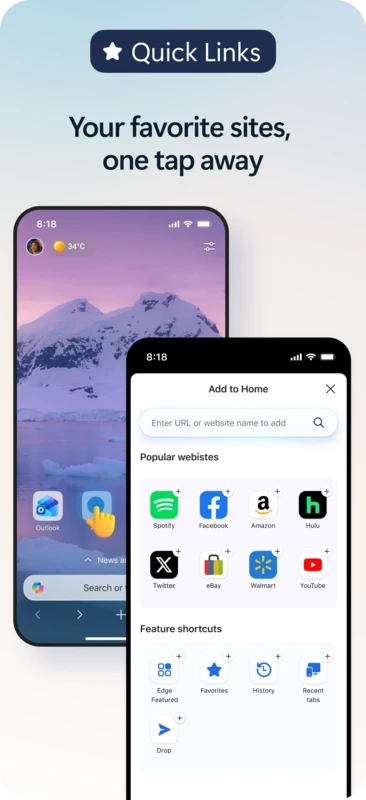
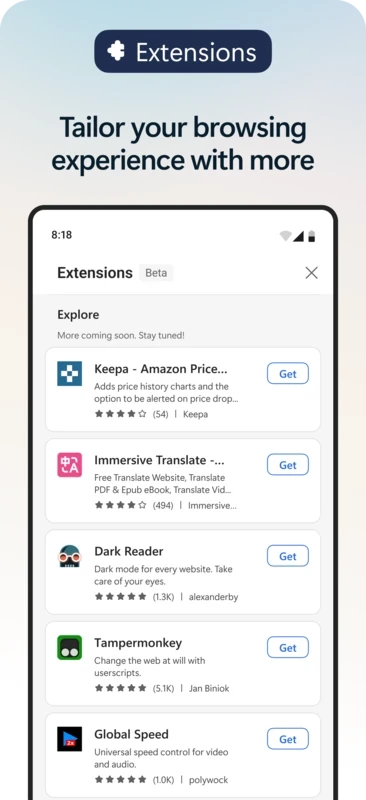
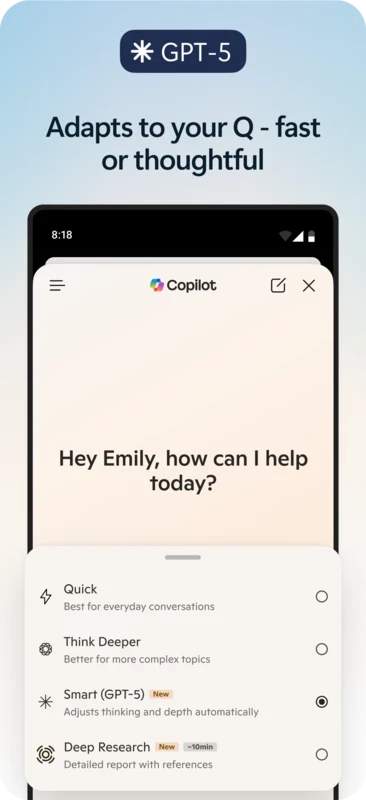
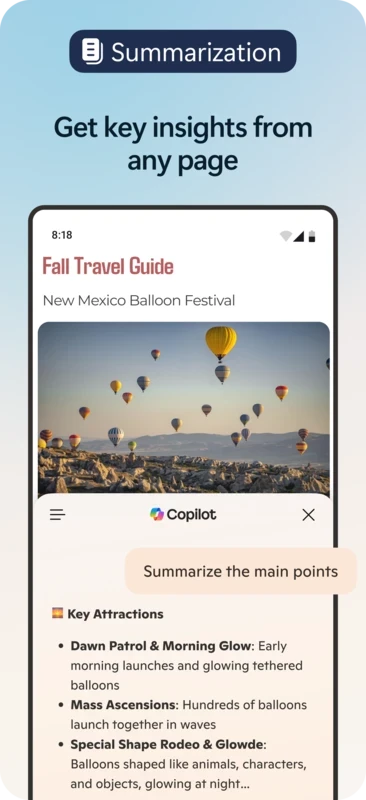
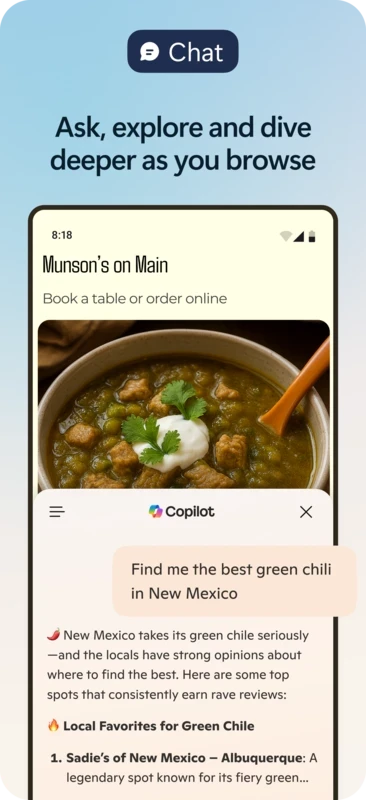
Microsoft Edge 153.0.4234.32 for Android is the latest release of Microsoft's web browser for phones and tablets, and you can download it free from Google Play. It is aimed above all at people who already use Edge on a Windows PC and want the same favourites, passwords and tabs on their phone. The answers below cover the practical questions.
Edge is Microsoft's web browser, a project that dates back to January 2015 and is written in C++. The Android app is the mobile member of the family, published by Microsoft Corporation and updated on a regular schedule alongside the desktop version. In daily use it behaves like any modern mobile browser: tabs, private browsing, a combined address and search bar, downloads and a reading layout for long articles. Its real advantage is the link to your Microsoft account. Sign in once and the phone shows the same favourites and saved passwords as your computer, and a page you were reading at your desk can be opened on the phone in a couple of taps. For people who live in Microsoft's ecosystem, from Outlook to OneDrive, that continuity is the main reason to choose it over the browser that came with the phone.
The version listed here is 153.0.4234.32, updated on 25 September 2026. Google Play delivers updates automatically unless you have turned that off.
Microsoft's own Edge download page lists every platform, and developers can follow changes in the web platform release notes.
Google Play checks compatibility and only offers Edge to supported devices. The file size is about 252.48 MB according to catalogue data, so keep some free storage for the app and its cache.
Yes. The browser is freeware with no paid tier for personal use.
The Google Play version is published by Microsoft and is safe to install; avoid APK copies from other sites. In the privacy settings you can choose how strictly trackers are blocked, clear browsing data on exit and review which sites may use your location, camera or notifications.
Google Chrome, Firefox, Brave Browser, Opera and Samsung Internet Browser are Android browsers in the same category.
Brave for Android is a free, open-source browser from Brave Software that blocks ads and trackers by default and is built on Chromium.

Firefox for Android is Mozilla's free, open-source mobile browser with tracking protection, add-ons and sync with Firefox on your computer.
Firefox for Android is Mozilla's free, open-source mobile browser with tracking protection, add-ons and sync with Firefox on your computer.

Opera Mini is a free mobile browser from Opera for Android, designed for phones with slow connections and limited mobile data.
Google Chrome for Android is Google's web browser for phones and tablets, with tabs, bookmarks and passwords synced to your Google account.

Samsung Internet is a free Chromium-based web browser for Android developed by Samsung Electronics, preinstalled on Galaxy phones.

UC Browser Mini is a lightweight Android browser from UC Web that saves mobile data, handles downloads and runs on low-end phones.

UC Browser for Android is a mobile web browser from the Chinese company UCWeb, used for browsing, videos and downloads on the phone.

Opera Browser for Android is the mobile web browser from Opera, with tabs, private browsing, sync with Opera on your computer and data-saving options.