
Zen Browser
Zen Browser is a free, open-source web browser based on Mozilla Firefox, with a calm interface built around organising tabs.
Windows
Open source

Microsoft Edge is Microsoft's web browser, preinstalled on current Windows versions and available as a free download for reinstalling or updating.
Average 0.0 · ratings: 0
Thank you! Your rating is saved; you can change it. Could not save the rating. Please try again later. Too many ratings from your network today. Please try again tomorrow. The average appears after 5 ratings.
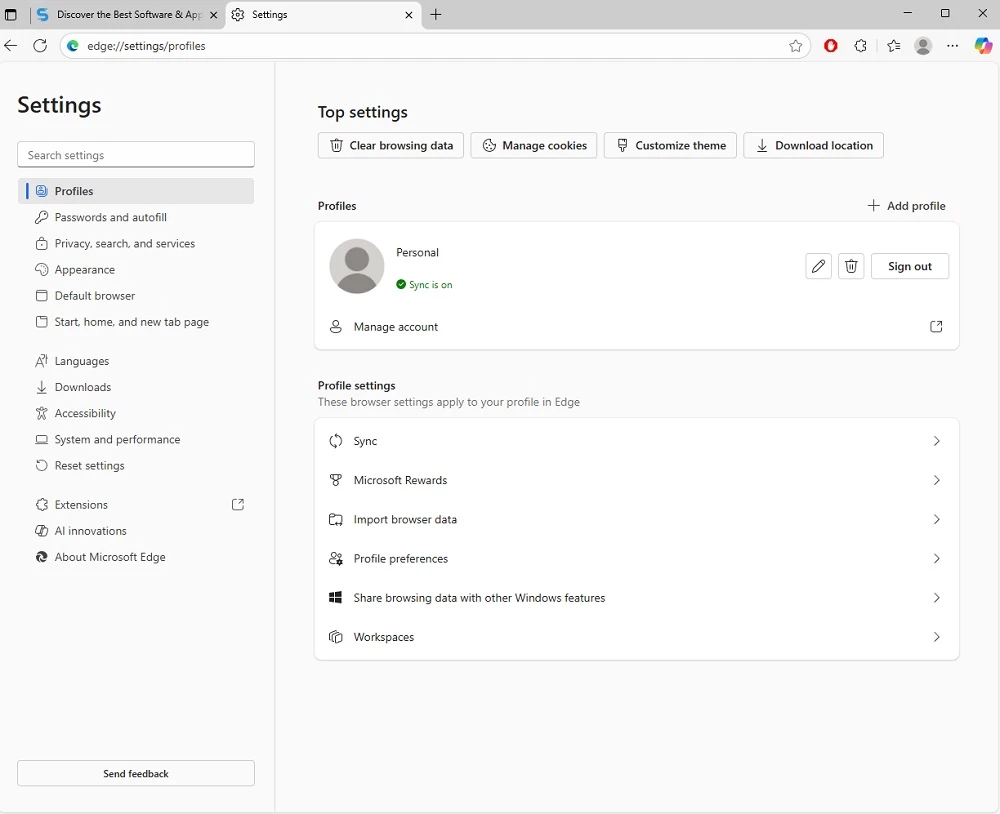
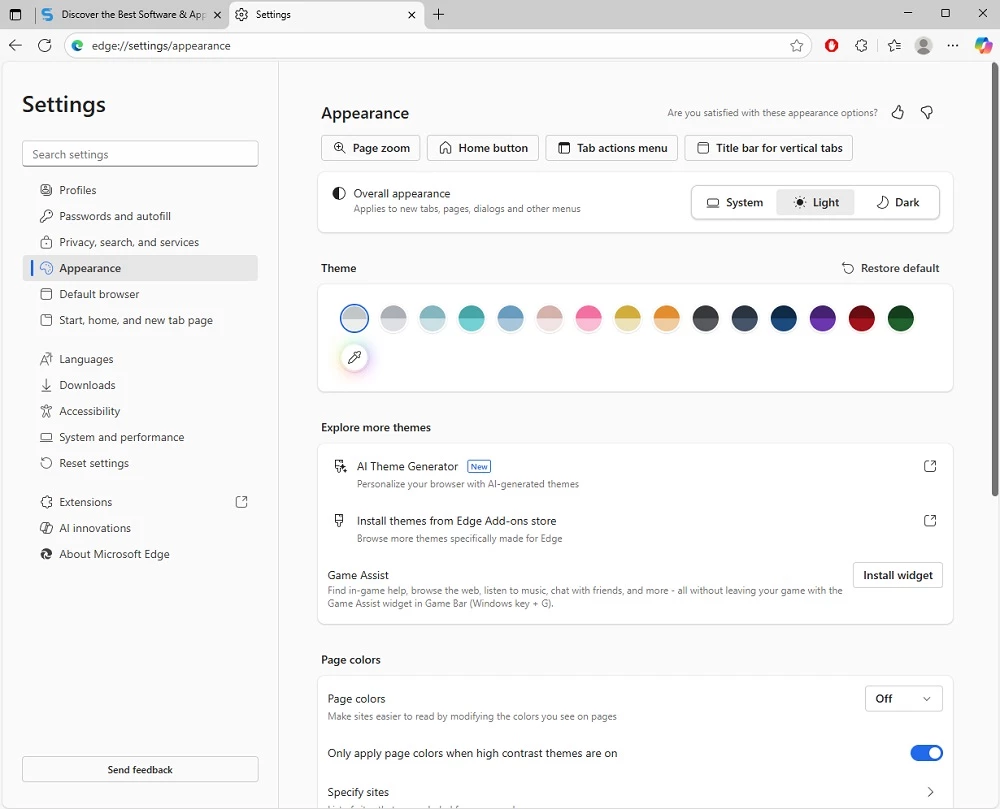
Microsoft Edge 151.0.4129.107 for Windows is the current build of Microsoft's web browser, and you can download it free from Microsoft's official page. Edge comes with Windows 10 and Windows 11, so most people only need a download to repair, reinstall or update it.
Edge is the default browser on Windows, and it is tightly woven into the system: links from Windows settings, widgets and search open in it, and a Microsoft account syncs favourites, passwords, history and open tabs across PCs and phones. For most users that means there is nothing to configure: open it, sign in once and your browsing picks up where it left off on another device. People who switch to a different browser often still keep Edge around, because some Windows features and company intranets open in it by default, and having it updated matters for security even if it is not your main browser.
According to Microsoft's supported operating systems list, Edge runs on Windows 10 SAC 1709 and later, Windows 10 Enterprise LTSC releases, Windows 11 and Windows Server 2016, 2019, 2022 and 2025. Older systems are not covered by the current version.
Edge updates itself in the background. To check manually, open Settings, then About Microsoft Edge. Changes for developers are described in the official release notes.
A few minutes in the settings make a real difference. Change the default search engine if you prefer something other than Bing, switch the new tab page to a simpler layout, and import bookmarks and passwords from another browser if you are moving over. If you would rather use a different browser as your default, change it under Windows Settings, Apps, Default apps.
Keep Edge updated even if you rarely use it, since an outdated browser is a common entry point for attacks. In the privacy settings you can choose how strictly trackers are blocked and whether browsing data is cleared when you close the browser. Download the installer only from Microsoft; "Edge update" pop-ups on random websites are fake.
Edge is free. There is no paid version for home users.
If you prefer another browser, Google Chrome, Firefox, Opera and Brave Browser are in the same category.
Zen Browser is a free, open-source web browser based on Mozilla Firefox, with a calm interface built around organising tabs.

Brave is a free, open-source, privacy-focused web browser built on Chromium, with ad and tracker blocking turned on by default.

LibreWolf is a free, open-source web browser based on Mozilla Firefox, maintained by the LibreWolf Community with privacy-focused defaults.

Mozilla Firefox is a free and open-source web browser developed by Mozilla, available for Windows, macOS, Linux, Android and iOS.

Opera is a free web browser for Windows from Opera Software. The stable release is 136.0.6008.22, published on 17 September 2026.

UC Browser for Windows is the desktop version of the web browser from UCWeb, a Chinese mobile internet company.

Google Translate is Google's multilingual machine translation service, used on Windows through the website and a browser extension.

Vivaldi is a free, highly customisable web browser from Vivaldi Technologies, based on Chromium and with a built-in email client. This page covers version 8.2 (4133.76).
Mozilla Firefox is a free and open-source web browser developed by Mozilla, available for Windows, macOS, Linux, Android and iOS.

Google Chrome is the free web browser from Google. The stable Windows release is 154.0.8037.58, out since 22 September 2026.

Cent Browser is a free Chromium-based browser for Windows from Cent Studio that adds mouse gestures, tab tweaks and other power-user options.